Have you ever wondered why some websites appear at the top of search results while others stay hidden? The answer often lies in technical SEO. This behind-the-scenes work makes sure search engines can easily find, understand, and show your pages to the right people.
Technical SEO focuses on the structure and performance of your website rather than just the words on the page. It helps Google and other engines crawl your site smoothly, index it correctly, and deliver a great experience to visitors. In simple terms, technical SEO is like building a clear road map and a fast car so everyone reaches your content without getting lost or frustrated.
Today, with more people searching on phones and AI tools summarizing results, technical SEO has become even more important. A well-optimized site loads quickly, works perfectly on any device, and follows clear rules that search engines love. Let’s explore exactly what technical SEO involves and how you can make it work for your own website.
What Does Technical SEO Really Mean?
Technical SEO is all about the foundation of your website. It includes fixing things in the code, server settings, and page setup so search engines can read and trust your site. Unlike writing great articles or earning links from other places, technical SEO happens mostly out of sight.
Think of your website as a house. The pretty paint and furniture are like content and design. But if the doors are locked, the lights don’t work, or the floors are uneven, no one can enjoy the house comfortably. That’s where technical SEO comes in. It opens the doors wide, turns on bright lights, and makes every room easy to reach.
Search engines send bots to explore millions of pages every day. These bots need clear directions, fast access, and helpful signals to decide which pages deserve top spots. When you improve technical SEO, you give those bots exactly what they need. The result? Your pages show up more often, load faster for real people, and keep visitors happy longer.
Many website owners start with content or links, but experts agree that strong technical SEO comes first. Without it, even the best articles can stay invisible. In 2026, with faster internet and smarter AI search, a solid technical base helps your site stand out and stay ahead.
Why Technical SEO Matters More Than Ever
Good technical SEO directly affects how many people find and stay on your site. Studies show that 53 percent of visitors leave if a page takes more than three seconds to load. That’s a huge loss before anyone even reads your helpful information!
Mobile use keeps growing too. Over 92 percent of people now browse the internet on phones. Websites that work smoothly on small screens rank higher because Google uses mobile-first indexing. In fact, mobile-optimized sites are 67 percent more likely to reach the first page of results.
Another big reason technical SEO matters is user experience. Google measures things like how fast the main content loads and how stable the page feels while scrolling. These Core Web Vitals have become official ranking signals. Sites that pass them often see better positions and more clicks.
Security also plays a role. A site using HTTPS (the secure version) builds trust. Search engines prefer safe sites and may push unsafe ones lower. Plus, clean site structure helps bots use their limited “crawl budget” wisely. On large websites, this means important pages get noticed instead of buried ones.
Real results prove the power of technical SEO. One case study showed a tourism site jump from a health score of 8 to 76 after fixing crawl errors, thin pages, and speed problems—an 850 percent improvement! Another business saw organic traffic grow 700 percent in one year after a full technical cleanup. These numbers show that small fixes can bring big rewards.
By focusing on technical SEO, you also prepare for future changes. AI overviews and voice search now favor fast, clear, well-structured sites. Investing time here protects your rankings for years ahead and saves money on lost traffic later.
How Technical SEO Works Step by Step
Technical SEO follows a clear process that anyone can learn. Here’s how it works in simple stages:
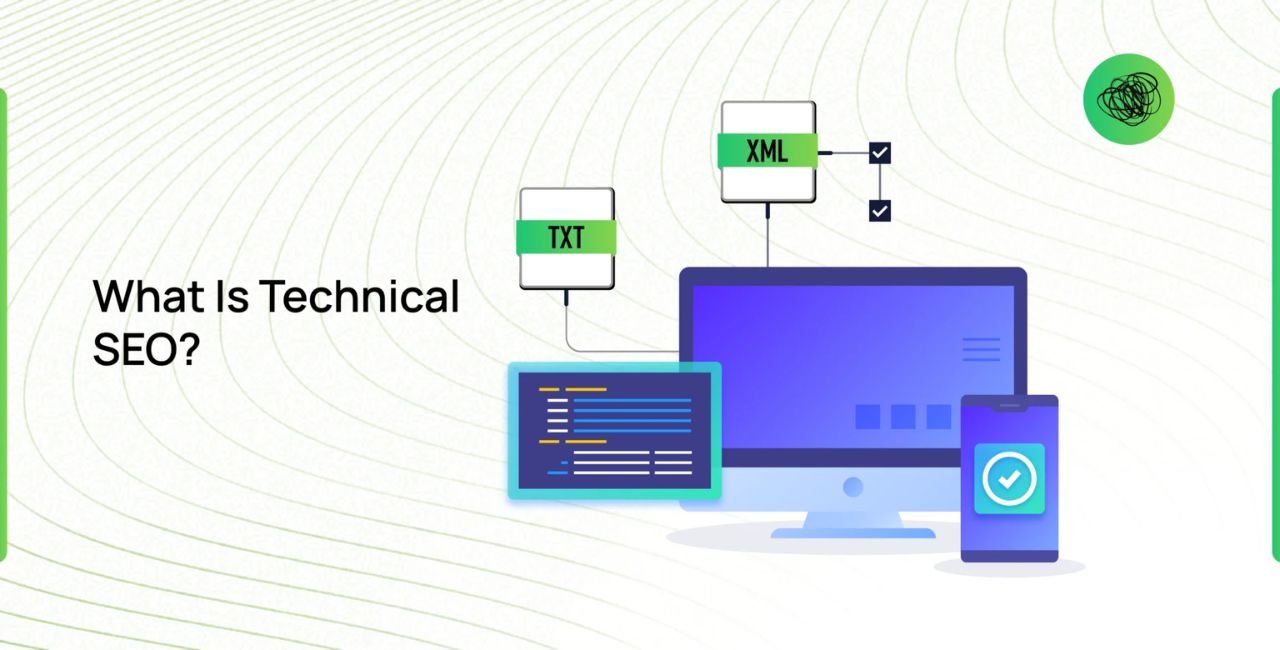
- Crawl and Discovery: Search engines must first find your pages. You help them with a robots.txt file that says “come in here” and an XML sitemap that lists every important page like a table of contents.
- Rendering and Understanding: Bots read your code to see the real content. Fast servers, clean HTML, and proper image sizes make this step quick and accurate.
- Indexing: Once bots understand a page, they store it in their big library. You control this with tags like noindex (for private pages) or canonical (to fix duplicate versions).
- Ranking Signals: Speed, mobile setup, security, and clear structure all send positive signals. Search engines then decide your place based on how well you meet these needs.
- User Experience Loop: Real visitors interact with your site. If they stay longer and click more, the engines notice and may lift your rankings even higher.
Each step builds on the last. When everything works together, technical SEO creates a smooth path from discovery to top rankings. You don’t need to be a coder to start—just follow checklists and use free tools.
Key Elements That Make Technical SEO Powerful
Let’s break down the main parts of technical SEO so you can see exactly what to improve.
Site Speed and Performance
Pages that load quickly keep people happy and help rankings. Aim for the main content to appear in under 2.5 seconds. Simple fixes include compressing images, using a fast hosting provider, and removing extra plugins or code.
Tools like Google PageSpeed Insights show exactly what slows you down. Many sites improve by 20 to 30 percent just by lazy-loading images and using modern formats like WebP. Remember, every extra second can cost you visitors and lower positions.
Mobile-Friendly Design
Your site must look and work perfectly on phones. Responsive design automatically adjusts layout for any screen size. Add a viewport meta tag and test with Google’s Mobile-Friendly Test tool.
In 2026, Google indexes most sites using the mobile version first. If your mobile pages are slow or hard to read, rankings suffer. Fix this by using large buttons, readable fonts, and no horizontal scrolling.
Secure Connections with HTTPS
Switching to HTTPS encrypts data between your site and visitors. It protects passwords, forms, and personal info. Most browsers now mark non-secure sites as “Not Secure,” which scares people away.
Getting an SSL certificate is free or low-cost through Let’s Encrypt or your host. Once active, redirect all HTTP traffic to HTTPS so bots and users always reach the safe version.
Clear Site Architecture and URLs
Organize pages logically like rooms in a house. Use short, descriptive URLs such as /blog/how-technical-seo-works instead of long random numbers. Create a simple menu and breadcrumb trails so visitors (and bots) never feel lost.
Good architecture spreads link power evenly and helps crawl budget reach every important page. Keep your site no deeper than three or four levels for best results.
XML Sitemaps and Robots.txt
An XML sitemap is like a map you hand to search engines. Submit it through Google Search Console so they know every page you want indexed. Update it whenever you add new content.
The robots.txt file tells bots which areas to skip (like admin folders) and which to explore. Keep it simple and test it regularly to avoid accidentally blocking important pages.
Structured Data and Schema Markup
This special code tells search engines exactly what your page is about—like a recipe card with ingredients and steps. Add schema for articles, products, FAQs, or local business info.
Sites using schema appear in rich results with stars, prices, or answer boxes. Up to 72 percent of first-page results use it because it makes listings more attractive and increases clicks. Free generators and Google’s testing tool make this easy to add.
Core Web Vitals Explained
Google tracks three main measurements:
- Largest Contentful Paint (LCP): How fast the biggest piece of content loads (under 2.5 seconds).
- Interaction to Next Paint (INP): How quickly the page responds to clicks (under 100 milliseconds).
- Cumulative Layout Shift (CLS): How much the page moves while loading (under 0.1).
Check these in Search Console and fix issues one by one. Many sites pass all three after simple speed and stability tweaks.
Common Technical SEO Problems and Easy Fixes
Even small issues can hurt rankings. Here are the most frequent ones and how to solve them:
- Broken links and 404 errors: Use free tools to scan and redirect or fix them. Visitors hate dead ends.
- Duplicate content: Add canonical tags or 301 redirects to point to the main version.
- Slow server response: Upgrade hosting or use a content delivery network (CDN) to serve files from nearby locations.
- Missing or wrong meta tags: Keep title tags under 60 characters and descriptions under 160. Include your main keywords naturally.
- Crawl budget waste: Remove thin pages, fix redirect chains, and block low-value sections in robots.txt.
- Poor mobile experience: Test on real phones and fix touch targets or font sizes.
Fixing these one section at a time often brings quick ranking gains. Many owners see traffic rise within weeks after a full cleanup.
Tools That Make Technical SEO Simple
You don’t need expensive software to succeed. Start with these free or low-cost options:
- Google Search Console: See crawl errors, indexing status, and Core Web Vitals.
- Google PageSpeed Insights: Get speed scores and exact improvement tips.
- Screaming Frog SEO Spider: Crawl your site like Google does and spot problems.
- GTmetrix or WebPageTest: Detailed speed reports with video recordings.
- Schema Markup Testing Tool: Check that your structured data works correctly.
Use these regularly—once a month is enough for most sites. Track progress and celebrate small wins like faster load times or fewer errors.
Best Practices for Technical SEO in 2026
Stay ahead by following these proven tips:
- Always prioritize mobile performance first.
- Keep images optimized and use modern formats.
- Monitor AI search trends and make content clear for machines.
- Update your sitemap and robots.txt after every big change.
- Combine technical SEO with quality content and safe link building.
- Test everything on real devices and different browsers.
Platforms like PremiumLinkPost offer helpful services such as SEO Audits to spot hidden technical problems quickly. Their marketplace also lets you explore trusted publishers when you’re ready to support your foundation with strong links.
Regular audits catch issues early. Many experts recommend a full check every three to six months, or after major updates like redesigns.
Real Examples of Technical SEO Success
A travel website fixed thousands of crawl errors and thin pages. Their health score rose 850 percent, and organic traffic returned strongly. Another online store improved Core Web Vitals and added schema markup. They saw 700 percent more visitors in just one year.
These stories show that technical SEO delivers real growth. The changes were mostly behind-the-scenes—no fancy ads or huge budgets needed. Just steady, smart work on the basics.
Advanced Tips to Take Your Technical SEO Further
Once basics are solid, try these steps:
- Use log file analysis to see exactly how Google crawls your site.
- Implement hreflang tags for international versions.
- Create topic clusters with smart internal linking (as discussed in helpful guides on platforms like PremiumLinkPost).
- Prepare for voice and visual search by using natural language and image alt text.
- Monitor for new AI agent rules so your content stays discoverable.
These extras give competitive edges on busy topics.
Frequently Asked Questions About Technical SEO
What is the difference between technical SEO and regular SEO? Technical SEO handles the invisible structure while regular SEO covers content and links. Both work best together.
How long does it take to see results from technical SEO? Many sites notice improvements in two to eight weeks. Bigger sites may take longer as search engines recrawl pages.
Do I need coding skills for technical SEO? No. Most fixes use simple tools or plugins. For complex sites, professional help like SEO audits makes the process easy.
Is technical SEO still important with AI search tools? Yes! AI summaries rely on fast, clear, well-structured sites even more than before.
Conclusion
Technical SEO is the essential foundation that lets search engines discover, understand, and trust your website. It works by improving crawlability, speed, mobile access, security, and clear structure so your pages reach the right audience at the right time. From fixing slow loads to adding helpful schema code, every step you take brings your site closer to higher rankings and happier visitors.
Start small today—check your speed, test mobile view, and submit a sitemap. Over time, these actions add up to strong, lasting results. Combine solid technical SEO with great content and you create a site that grows naturally for years.
What one technical SEO improvement will you try first on your website? Share in the comments or take a quick audit to see where you stand.
References
- Google Search Central: Core Web Vitals and Mobile-First Indexing guidelines.
- Search Engine Land: “What Is Technical SEO? The Definitive Guide” (2025).
- Backlinko and PageOptimizer studies on schema usage and mobile ranking advantages.
- Yotpo and The Hoth: 2026 Technical SEO Checklists.
- Real case studies from Gravitate Design (850% health boost) and other verified reports showing traffic growth after technical fixes.
- PremiumLinkPost resources on SEO audits and marketplace options for complementary support (accessed March 2026).